SaaS Isn’t the Solution — It’s the Symptom
Let’s be honest — most small and mid-sized businesses (SMBs) didn’t add AI; they added subscriptions.
The market says “modernize,” and we listen. So we start stacking SaaS apps — one for leads, one for quotes, one for invoices, one to track all the others.
Now every process runs through someone else’s server and someone else’s billing system. It appears efficient on the surface… until renewals are due, integrations break, or data gets stuck behind another login.
SaaS was supposed to save time. Instead, it’s quietly replaced ownership with rent.
The SaaS Trap
The problem isn’t the software. It’s the dependency it creates.
Most small business owners never wanted 12 logins and a monthly bill that looks like a car payment. They wanted fewer manual steps, clear data they actually control, and systems that don’t fall apart when one vendor changes their terms.
Ames & Associates calls this what it is — the illusion of automation. It’s a web of tools solving yesterday’s problems while creating new ones behind the scenes.
The Better Way: AI That You Own
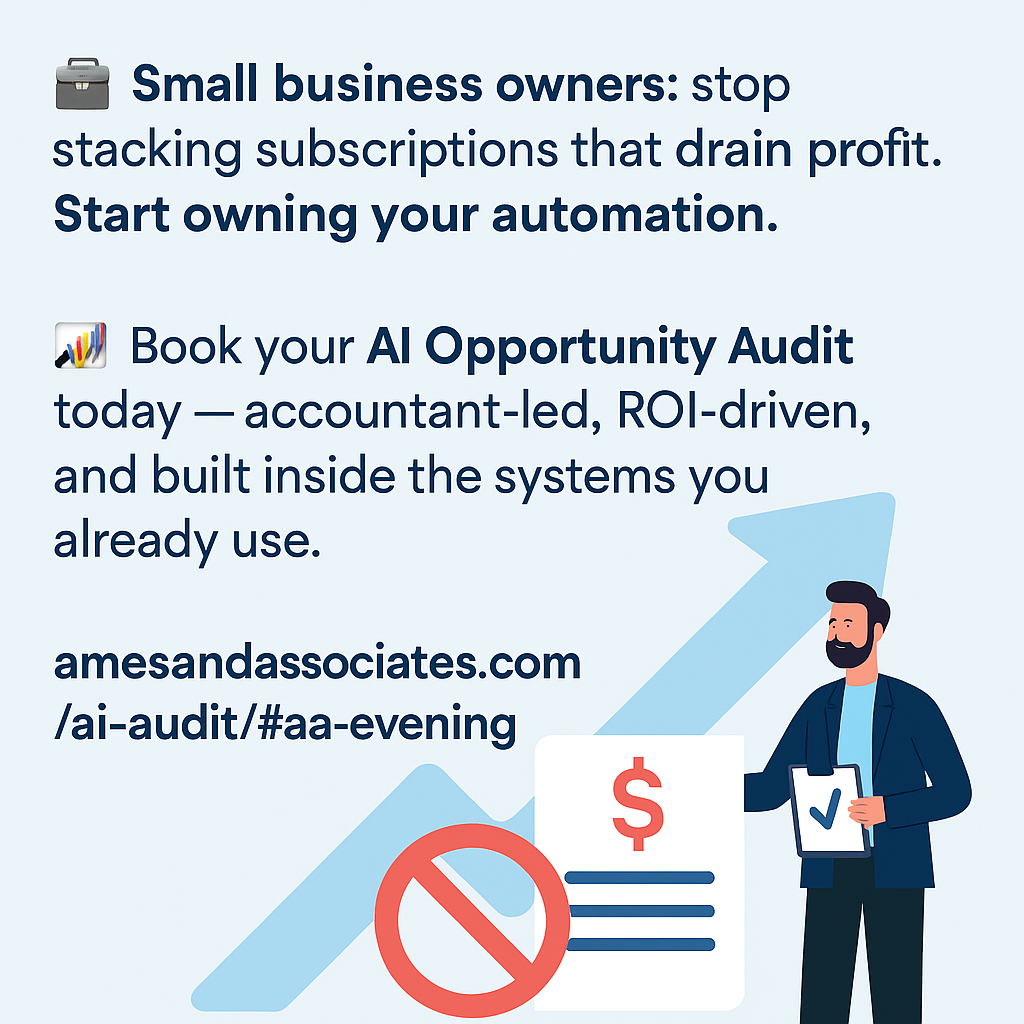
Our AI Opportunity Audit was built to fix that.
We start inside your existing ecosystem — typically Google Workspace or Microsoft 365 — and map where automation fits naturally. No new software. No unnecessary subscriptions.
Then we show you, in plain English:
• Where automation can actually reduce hours and errors
• What each improvement is worth financially
• How to deploy it inside your own workspace
It’s accountant-led, practical, and measurable — because AI should pay you back, not put you on another billing cycle.
SaaS Isn’t Evil — It’s Just Expensive
There’s a place for specialized tools. But depending on them for basic workflow is like leasing every piece of equipment you use — convenient, but you never own the results.
True AI adoption means owning your process and your data. That’s how small and mid-size businesses level the playing field — without bloated IT costs or enterprise overhead.
Start with an AI Audit
We offer three tiers — all fixed-scope, flat-rate, and ROI-driven:
• Readiness Audit – $1,500 · Identify automation opportunities and readiness score
• Standard Audit – $3,500 · Evaluate workflows, reporting, and ROI projections
• Diagnostic Audit – $6,600 · Includes your first live automation build
Start where you are. Automate what matters. And stop paying rent on productivity.
🌐 The Google Ecosphere: How It Works with Microsoft
At Ames & Associates, every automation and system we build uses the Google Ecosphere — a lightweight, browser-based framework built on Google Sheets, Docs, Drive, Gmail, and Apps Script.
But that doesn’t mean you can’t keep using your Microsoft files. In fact, Google and Microsoft work together almost seamlessly.
🧩 How It Fits Together
| Microsoft Tool | How It Connects in the Google Ecosphere | Example Use Case |
| Excel ↔ Google Sheets | Sheets can open, edit, and export Excel (.xlsx) files directly — no conversion required. | Upload your existing cash flow workbook to Drive, share it with your team, and edit in real time. |
| Word ↔ Google Docs | Word files open in Docs instantly, keeping formatting. You can export back to .docx anytime. | Draft your engagement letters or reports in Docs, then download as Word for client delivery. |
| PowerPoint ↔ Google Slides | Slides imports PowerPoint decks cleanly, supports animations, and exports back. | Build your presentation in Slides and send as PowerPoint to stakeholders. |
| Outlook ↔ Gmail / Calendar | Gmail can sync with Outlook via IMAP or Google Workspace Sync for Microsoft Outlook (GWSMO). | You can still use Outlook’s desktop app, while all mail/calendar data lives in Google. |
⚙️ What “Google Ecosphere” Means in Practice
The “Google Ecosphere” encompasses more than just Gmail and Sheets.
It’s a fully connected system where every piece communicates with every other — instantly.
| Function | Google Ecosphere Component | Microsoft Equivalent |
| Email & Scheduling | Gmail + Google Calendar | Outlook + Exchange |
| Data & Storage | Google Drive | OneDrive + SharePoint |
| Office Suite | Docs, Sheets, Slides | Word, Excel, PowerPoint |
| Meetings & Chat | Meet + Chat | Teams |
| Automation & Integration | Apps Script | Power Automate / Power BI |
With Apps Script, Ames & Associates can automate workflows across all these tools — approvals, data syncs, dashboards — all inside the same workspace you already use every day. This was how I managed 40+ clients in public accounting, never missing a due date or deadline – I just didn’t realize I was mostly alone.
🔒 Why Ames Builds in Google (Even for Microsoft Users)
Even if your business prefers Excel or Outlook, we build automations in Google Workspace because it offers:
✅ Cross-platform compatibility — everything exports to Excel, Word, or PDF in one click.
✅ Lower cost — no Power Automate, SharePoint, or server setup.
✅ Instant collaboration — no version control problems or “final_v12.xlsx” files.
✅ Data ownership — all files live in your Drive, not a vendor’s subscription.
✅ Browser-based access — works on any device, anywhere.
In short:
Google Workspace is your control center.
Microsoft tools remain your file format.
Ames builds the bridge that makes them work together — seamlessly.
📞 Book a 30-minute Evening Consult
🌐 amesandassociates.com
✉️ claudia@amesandassociates.com