
Inbox Overload Is a Growth Killer: Why Busy Professionals and SMBs Need an Email Audit
Whether you’re running a small/mid-sized business (SMB) or you are the business (exec, consultant, creator), the daily grind is the same: client replies buried in Promotions, invoices hiding in long threads, and “just checking in” messages you don’t see until it’s awkward.
That’s inbox drag—and it quietly taxes your revenue, reputation, and mental bandwidth every day.
An Email Audit is the fastest, lowest-risk way to end the chaos. It turns Gmail/Google Workspace from a junk drawer into a work queue that sorts itself—so the right messages surface first, every time.
The hidden cost of an unmanaged inbox
- Slow responses = lost deals. Quotes and intros slip; follow-ups go stale.
- Cash delays. Short-pays, disputes, and approvals get buried.
- Double work. People re-ask because the answer is lost in the pile.
- Risk. Missed bank/benefits/vendor notices create exposure.
- Burnout. Evenings become “email catch-up” instead of recovery.
If five people waste just 30 minutes/day on triage at a $40 loaded rate, that’s $52,000/year of productivity—before you count lost revenue.
What an Email Audit actually is (no content reading required)
A one-time, structured project that maps your mail flow and installs rules, labels, and safeguards so your inbox runs like a system—not a stamina contest.
We assess (metadata only):
- Volume, unread counts, age buckets, heavy attachments
- Category mix (Primary/Promotions/Social/Updates)
- Existing labels/filters/delegation
- VIP senders (clients, prospects, banks, payroll, suppliers)
We implement:
- VIP-first views (clients, revenue, finance always visible)
- Noise controls (auto-label/archive low-value mail)
- Follow-up lanes (“Waiting On,” “Next 5”) to close loops
- Safety rails (export current filters/labels + Drive snapshot before changes)
- Shared rules for team mailboxes (info@, billing@, support@), if needed
The outcome: less noise, more signal, and a setup you can maintain.
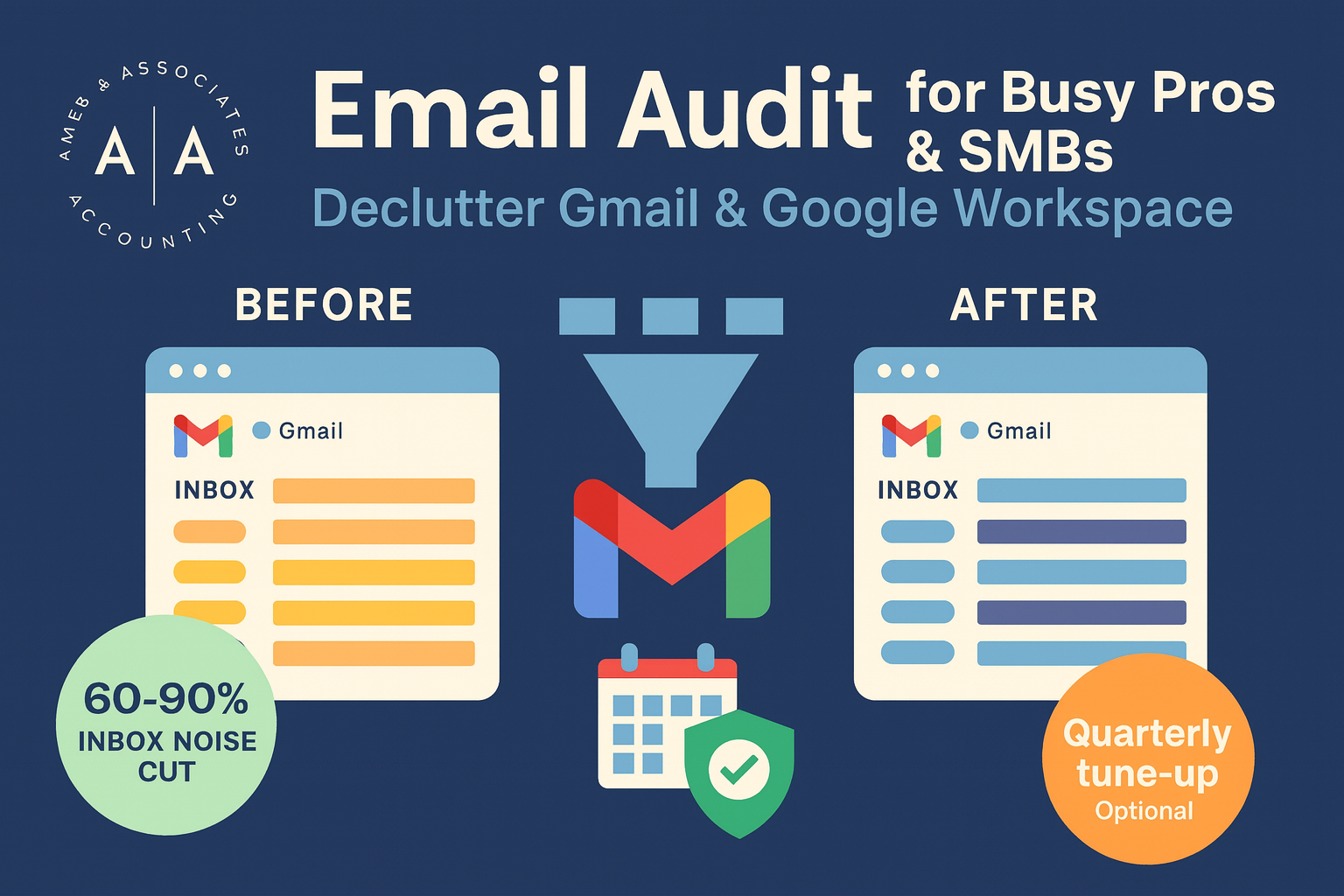
Before/After: what changes in the first week
- 60–90% reduction in noisy inbox volume
- 30–50% faster triage (scan less, act more)
- Shorter cash cycles (billing/cash-app never missed)
- Higher win rates (quotes and intros bubble to the top)
- Lower storage cost (heavy attachments parked in Drive)
Real example (owner-led company, 12 users):
65k legacy emails archived & searchable, 22 rules installed (VIP, AR/AP, order status). Time-to-first-reply to prospects improved 18% the next month; “lost invoice” incidents dropped to zero.
“Is this just unsubscribe and pray?”
No. Unsubscribing helps, but the audit designs a flow:
- VIP is always visible
- Sales/service work sits in a simple queue
- Finance messages never hide in Promotions
- Newsletters collect under a reading label
- Backups make everything recoverable
Security & privacy (table stakes)
- We use delegated access or screen-share—passwords are never shared.
- No message content is read unless you explicitly approve a content review.
- We export current filters/labels and take a Drive snapshot before cleanup.
- You approve every rule before anything runs.
What you get
- Audit PDF (heatmaps, top senders, rule plan)
- Up to 25 rules/filters (auto-label, surfacing, safe archive)
- VIP list + simple follow-up lanes
- Drive backup of cleaned mail (MBOX/EML)
- Optional Tune-Up at 30–60 days to lock in gains
What to track (so you can prove ROI)
- Time-to-first-reply for quotes and intros
- AR aging + count of “lost/missed invoice” incidents
- Average daily unread in Primary for key mailboxes
- % noise in Primary after rules
- Storage trend in Gmail/Drive
Where this fits in the bigger picture (Opportunity Audit)
Inbox design is the front door to how your company runs. That’s why we use the Email Audit as a fast first win, then—and only if you want—expand to a broader Opportunity Audit across:
- Revenue ops (lead handling, follow-ups, pipeline hygiene)
- Order-to-cash (pricing exceptions, deductions, short-pays)
- Procure-to-pay (PO match, PPV/usage variance visibility)
- Close & compliance (month-end cadence, late JEs)
- Data & automation (lightweight rules, dashboards, no-code flows)
When the inbox stops tripping you, everything else gets easier.
How long does it take?
Most audits are completed within one week, with a 30–60 day Tune-Up to cement results.
Ready to take back your inbox?
- Prefer a quick walkthrough? Book an evening consult on the homepage.
- Ready to move? Choose Email Audit & Reset and we’ll start with a backup, your VIP list, and the first round of rules.
- Already Ames and Associates audited? Schedule the $89 Tune-Up to refresh rules and sweep new clutter.
FAQs
Will this break my existing labels?
No—everything is backed up and changes are non-destructive.
Can you work on shared/team mailboxes?
Yes—Gmail/Workspace delegation keeps things safe and trackable.
What if something gets archived by mistake?
Drive snapshot + search = quick restore. Nothing is gone.
Do I need to learn a new tool?
No—this tunes Gmail/Workspace with labels, filters, and simple views you already have.
Bottom line:
For SMBs and busy professionals, an Email Audit is a small project with outsized return—more deals won, faster cash, fewer day-long catch-ups. Start with the inbox; expand to when you’re ready.
When you’re ready, schedule an evening consult or book now to start your email audit—your future self will thank you.