
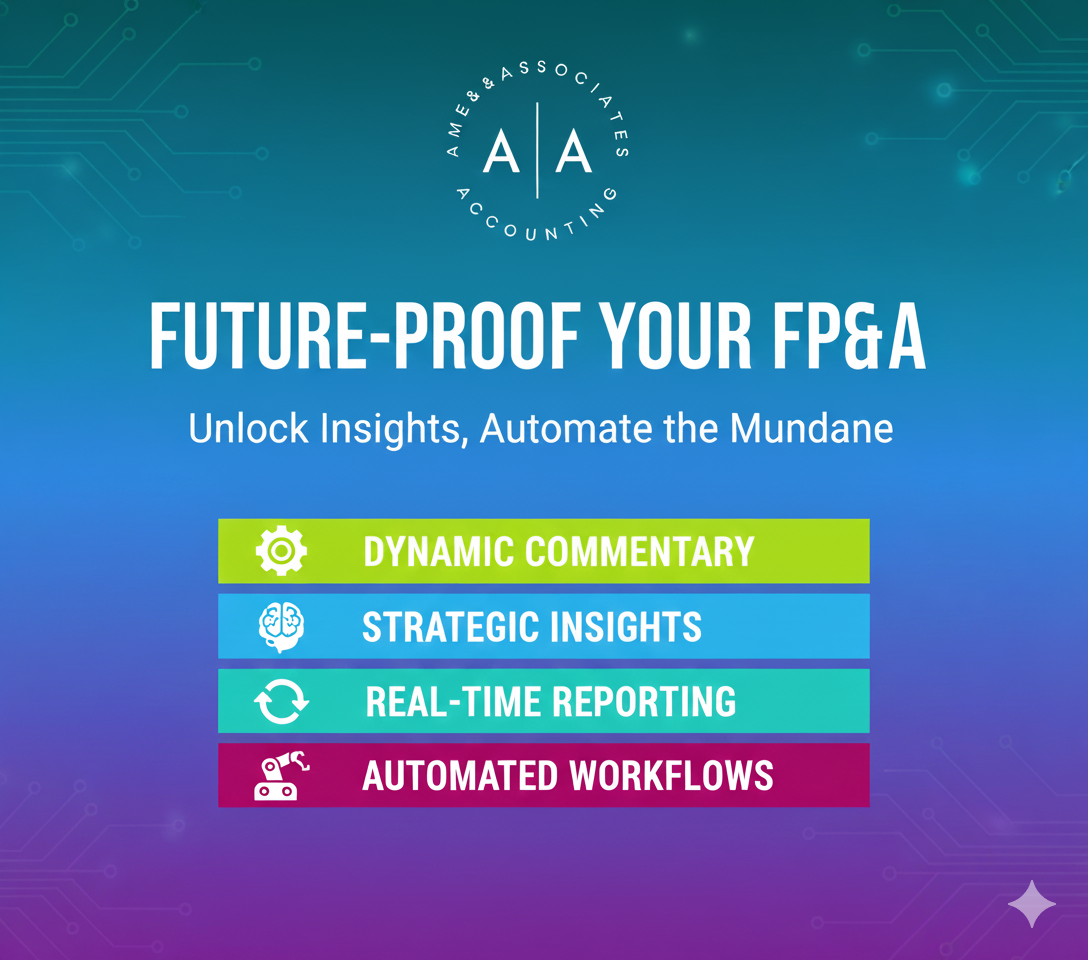
Financial Planning & Analysis – FP&A for Small & Mid-Sized Businesses: A Practical “How-To” (Built on Perfect Books)
SMB owners: accounting isn’t just taxes—FP&A turns flat or declining results into action: cut waste, tune price/mix, protect cash, reforecast 90 days.
First Things First: Perfect the Books (then FP&A)
Future-proof FP&A sits on rock-solid accounting. If your month-end close isn’t tight, fix that first. Use our internal month-end close checklist to get to a zero-defect, fully reconciled close—then layer FP&A on top.
What FP&A Actually Does (in Plain English)
FP&A is a tight cycle: plan → measure → explain → adjust. Each month, you compare actuals to plan, explain variances, and roll that learning into the next 13 weeks and the next 12 months. Treated as a habit, it becomes a competitive advantage.
Before vs. After: What Changes When FP&A Shows Up
| Area | Before FP&A (common reality) | After FP&A (what good looks like) |
| Forecasting | Best-guess; ad hoc updates | Rolling forecast refreshed monthly (next 3–6 months locked) |
| Variance commentary | Re-typed each month, inconsistent | Automated first draft + analyst insights |
| Cash | Reactive transfers, last-minute LOC | 13-week cash plan with defined levers & triggers |
| Cost control | Post-mortems and blame | Driver view: price, volume, mix, wage, hours |
| Executive time | 40-tab decks | One-page pack + action list |
Quick Win: Automate the First Draft of Variance Commentary (Excel)
Goal: stop typing the same lines; spend time on drivers and actions.
- Build a small table with Actual, Budget, Forecast, Prior Year for Revenue, COGS, Opex, EBITDA.
- Create named ranges (Actual, Budget, Forecast, PY) for clean formulas.
- Use these templates (copy/paste):
Revenue vs Budget
=”Revenue ” & IF(Actual>Budget,”+”,””) & TEXT((Actual/Budget-1),”0%”) & ” vs Budget”
Expense vs Budget (lower is better)
=”COGS ” & IF(Actual<Budget,”+”,””) & TEXT((Budget/Actual-1),”0%”) & ” vs Budget”
Other scenarios
=”Revenue ” & IF(Actual>PY,”+”,””) & TEXT((Actual/PY-1),”0%”) & ” vs Prior Year”
=”Opex ” & IF(Actual<Forecast,”+”,””) & TEXT((Forecast/Actual-1),”0%”) & ” vs Forecast”
As numbers change, the commentary updates instantly—freeing you to explain (RCA) why and what to do next.
The 30-Day FP&A Sprint (Works in Any SMB)
Week 1 — Build the baseline
- Finalize a 12-month budget by department.
- Pick 8–12 metrics that actually matter (Revenue, GM%, Labor%, Opex, EBITDA, Cash, DSO, Inventory Days, Return Rate).
- Stand up the variance table + formulas; add green/yellow/red formatting.
Week 2 — Forecast forward
- Convert learnings into a 3-month forecast.
- Tag one-time vs. recurring variances so you don’t “bake in” noise.
- Add known pipeline items (contracts, promos, seasonality).
Week 3 — Make it manager-ready
- Deliver one page: KPIs, 4 variance bullets, 90-day outlook, and 3 actions with owners/dates.
- Keep a second, optional page for outlet/department detail.
Week 4 — Run decisions, not a slideshow
- Meet 45 minutes: 3 risks, 3 opportunities, 3 decisions.
- Convert decisions to cash/margin (vendor deals, pricing moves, staffing plan).
- Track follow-through next month. No fluff.
Real-Life Mini-Examples (How This Looks in Practice)
- Restaurant group: March revenue –10% vs plan; FP&A split the miss (traffic vs. ticket), trimmed Apr–May forecast ~8%, shifted marketing to traffic drivers, secured a COGS rebate, and re-timed labor—EBITDA held in Q2.
- E-commerce brand: COGS +4 pts from freight/mix; FP&A re-priced three SKUs and reallocated spend—margin recovered in six weeks.
- Professional services: Opex favorability from open roles flagged as temporary; forecast normalized next month—no “phantom savings” in targets.
Core KPIs & How to Read Them (Cheat Sheet)
| KPI | Owner | Good = | Watch for |
| Gross Margin % | Ops/Finance | Trending up or stable | Vendor increases, discounting, mix shift |
| Labor % (by outlet) | Ops | Down or at target | Overtime spikes; schedule misaligned with volume |
| Opex % of Sales | Finance | Stable/declining | Recurring creep disguised as “one-time” |
| Cash Runway (weeks) | Finance | >13 weeks | Collections slip; inventory swell |
| DSO (days) | AR | Down | Big-customer concentration; lenient terms |
| Inventory Days | Ops/SCM | Down | Slow movers; buying ahead of demand |
Objections You’ll Hear (and the Plain-English Reply)
- “We already have QuickBooks reports.” Reports tell you what happened. FP&A tells you why and what to change next month.
- “Dashboards didn’t help last time.” They weren’t tied to decisions. One page. Three actions. Owners. Dates.
- “We’re too small for a forecast.” If you have payroll, vendors, and customers, you need a 13-week cash view and a 90-day forecast. Period.
Implementation Checklist
- Variance formulas in place (revenue vs budget; expense logic flipped)
- Green/yellow/red thresholds set and documented
- 13-week cash file built and reviewed weekly
- 90-day rolling forecast refreshed monthly
- One-page exec pack with 3 risks / 3 opportunities / 3 decisions
- Owners and dates tracked; follow-through checked next month
Where to Go Next (Low Cost, High Return)
- Power Query to pull actuals from your accounting file automatically
- Office Scripts / simple macros to refresh and export your monthly pack in one click
- Driver-based models (units×price×mix; wage×hours) for accuracy that scales
Bottom Line If you want to keep growing regardless of the economy, FP&A isn’t “nice to have.” It’s the operating system for your numbers. Start with Excel variance-to-forecast, keep the story to one page, and turn each month-end into next-month action. The software can wait—results can’t.